
ICIURP 2027
ICIURP 2027
Submit your manuscript to ICIURP 2027 through Microsoft CMT — follow the six quick steps below to create your account and upload your paper.
Online Paper Submission
Search for “Microsoft CMT” or use the button above — if you do not have a login ID, you can register to create one.
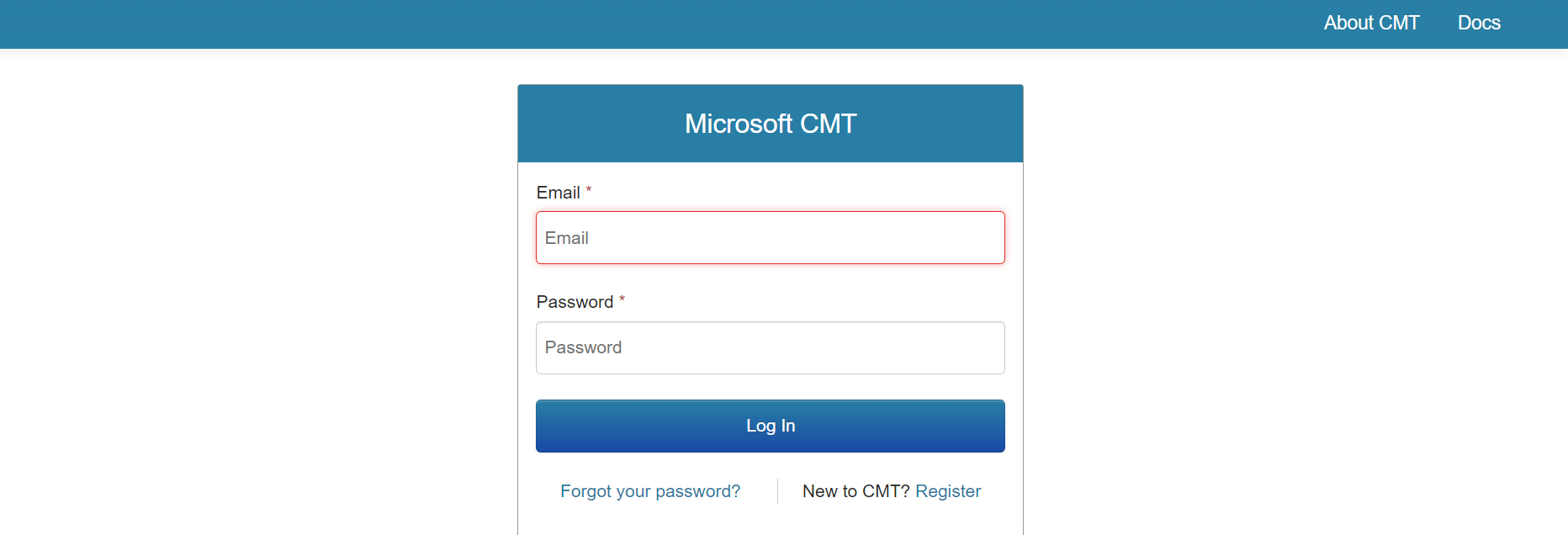
Sign in with your CMT email and password, or click “Register” if you are new to CMT.
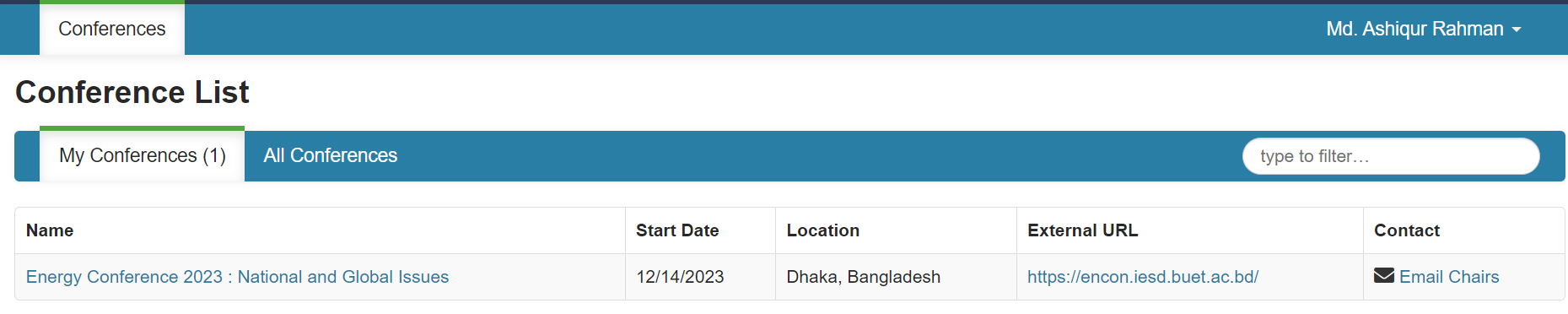
From your conference list, select ICIURP 2027 to enter the conference workspace.
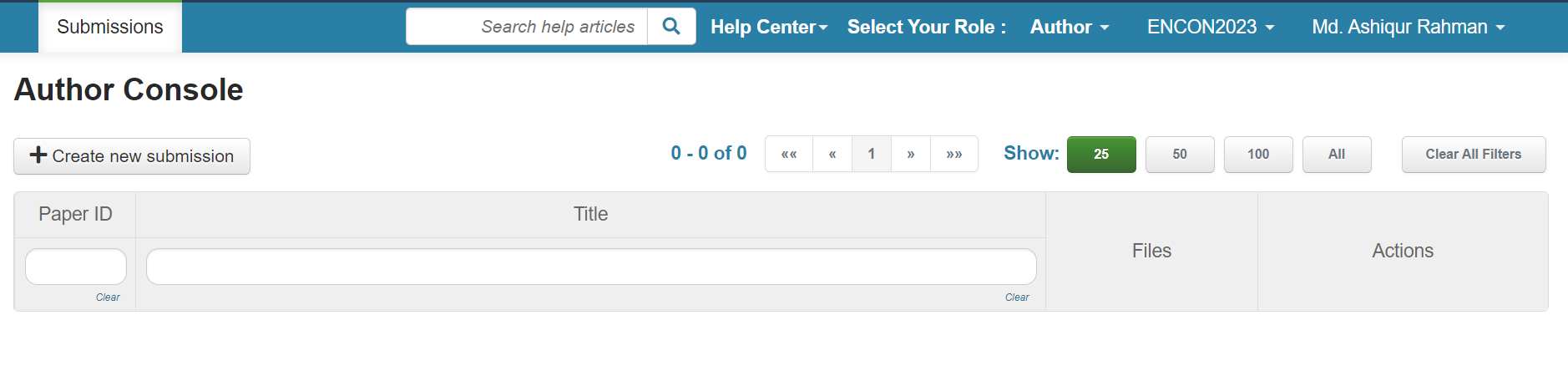
On the Author Console, click “Create New Submission” to start your paper entry.
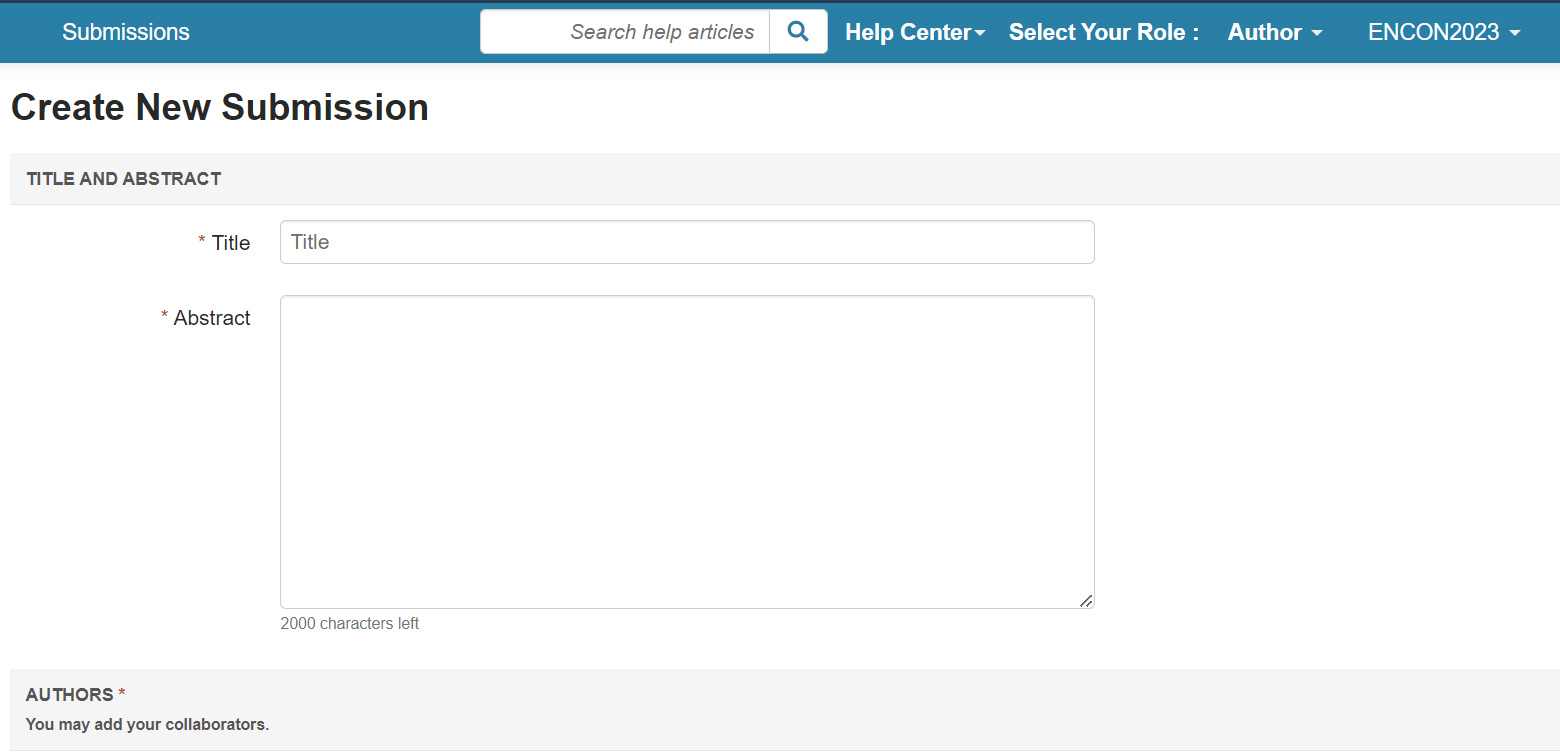
Fill in the Title and Abstract, then add your co-authors.
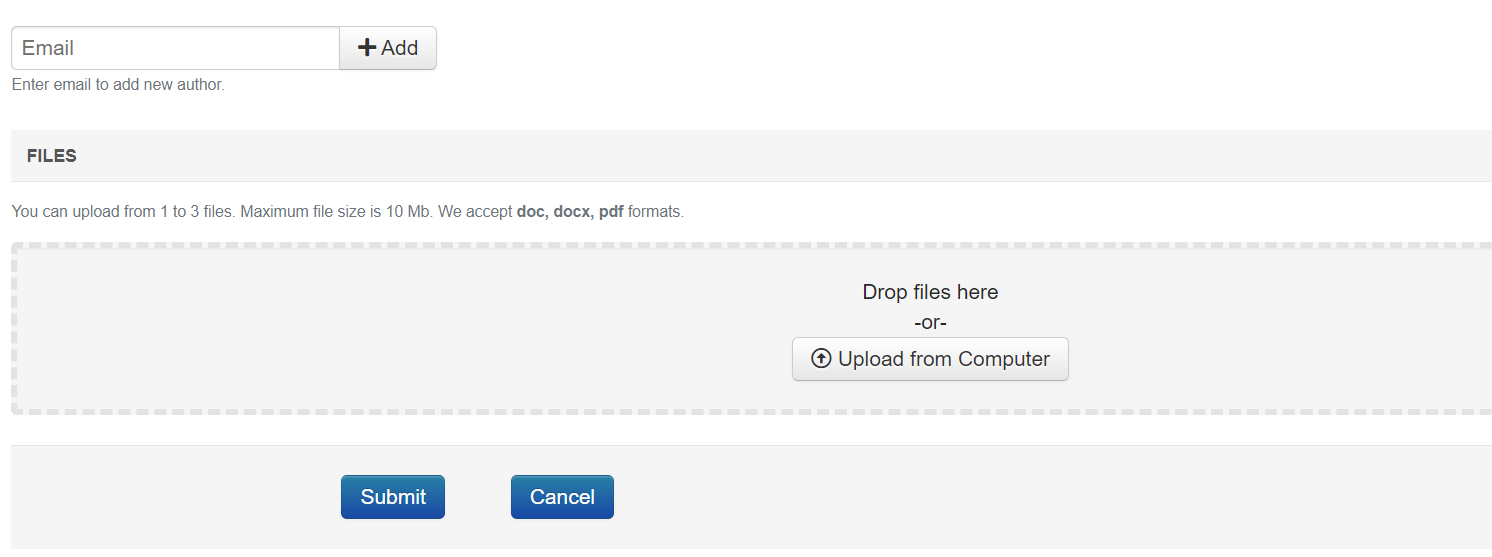
Use “Enter email to add new author” for co-authors, upload your file (doc, docx or pdf, up to 10 MB), then click Submit.